Scan. Connect. Share. Anywhere.
Panther Barcode Reader is a modern QR and barcode scanner for Android and Windows. Scan instantly, organize your results, generate QR codes, and share scans seamlessly between your phone and PC.
Your phone and PC, working together
Most QR scanners stop at "scan → view result." Panther Barcode Reader keeps both of your devices connected, so a scan can continue where you're actually working.
Instant scanning
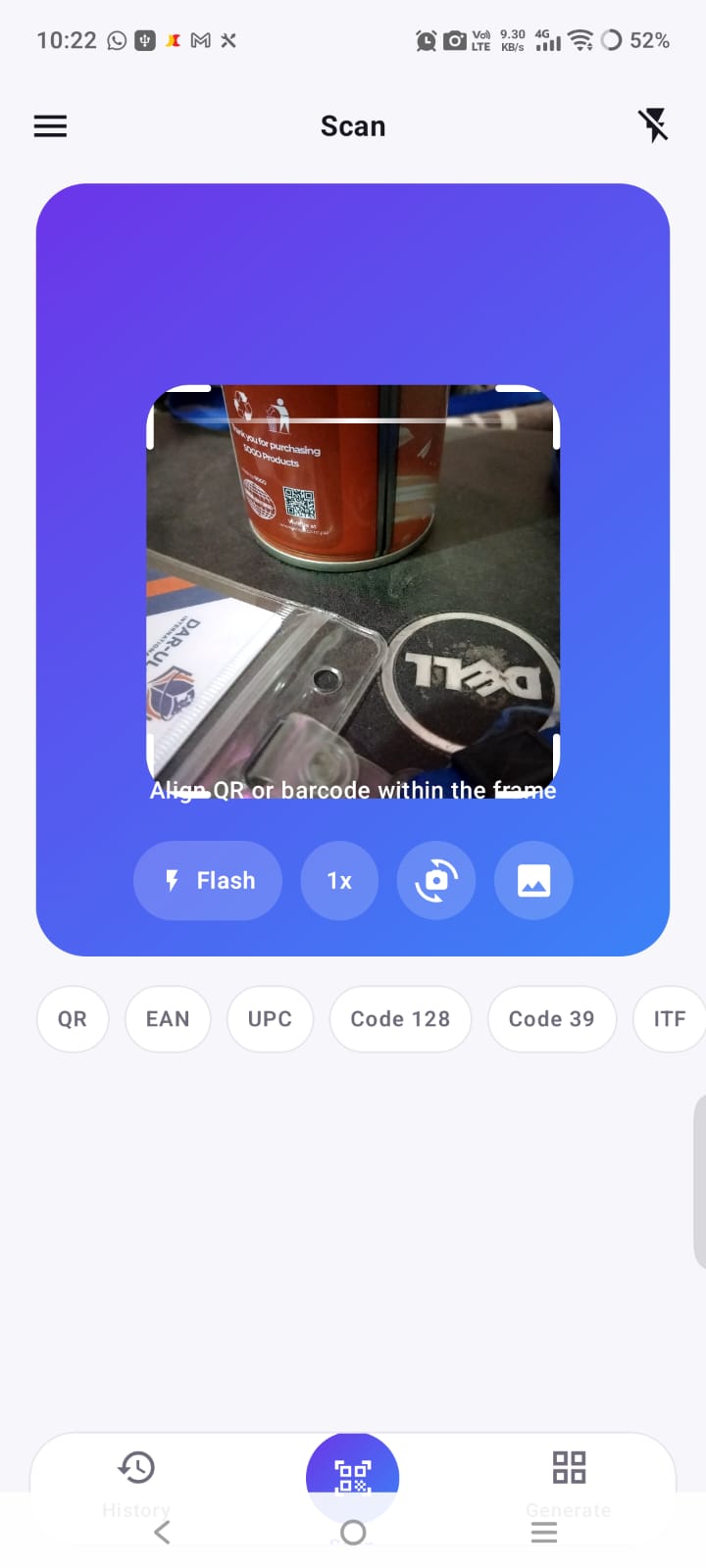
Scan QR codes and common barcode formats quickly with your device camera, or from an image you already have.
Android ↔ Windows sharing
Connect your phone and PC over Wi-Fi or Bluetooth and send scan results between them — in either direction.
Privacy focused
Scan history stays on your device. Results are shared only with paired devices, and only when you choose.
Connect, scan, and share in three steps
Connect
Pair your Android phone and Windows PC using Wi-Fi or Bluetooth. You confirm a short code the first time so only your devices are linked.
Scan
Scan any supported QR code or barcode on either device.
Share
Send the result instantly to the connected device — phone to PC, or PC to phone.
Everything you need to scan smarter
QR & barcode scanning
Scan QR codes and popular barcode formats including EAN, UPC, Code 128, Code 39, Data Matrix, PDF417, and Aztec.
Scan history
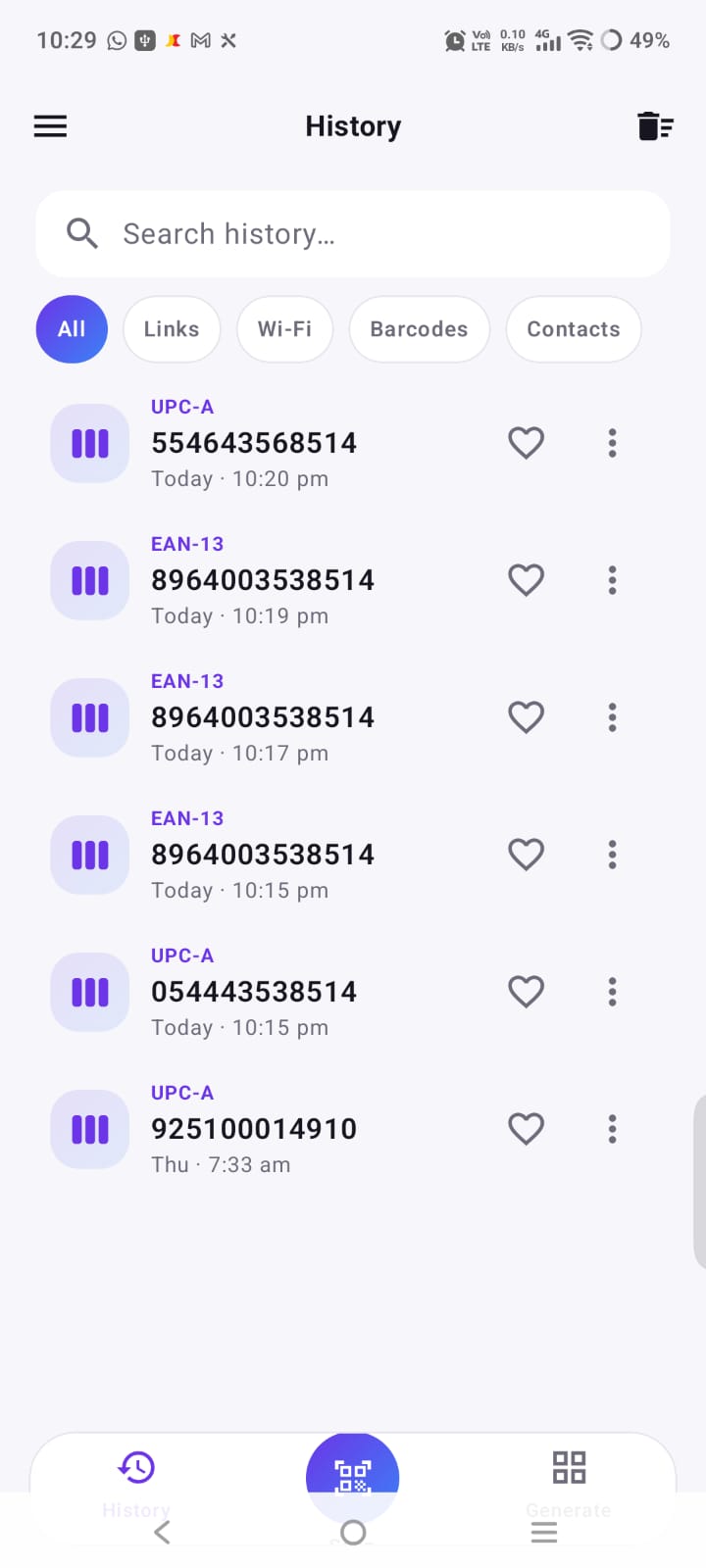
Previous scans are organized automatically so important information is easy to find again.
QR code generator
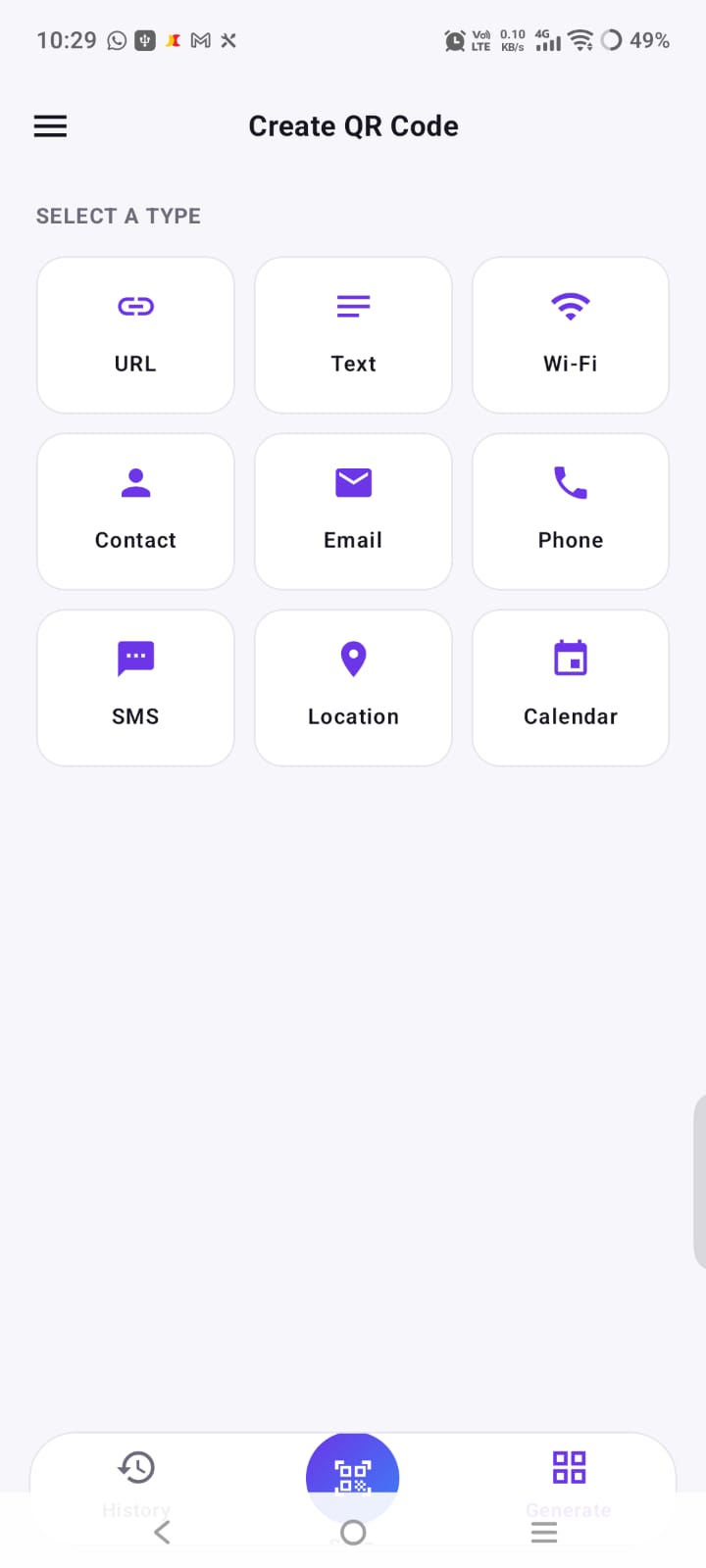
Create QR codes for URLs, text, Wi-Fi, contacts, email, phone, SMS, locations, and calendar events.
Favorites
Save important scan results for quick access later.
Export & share
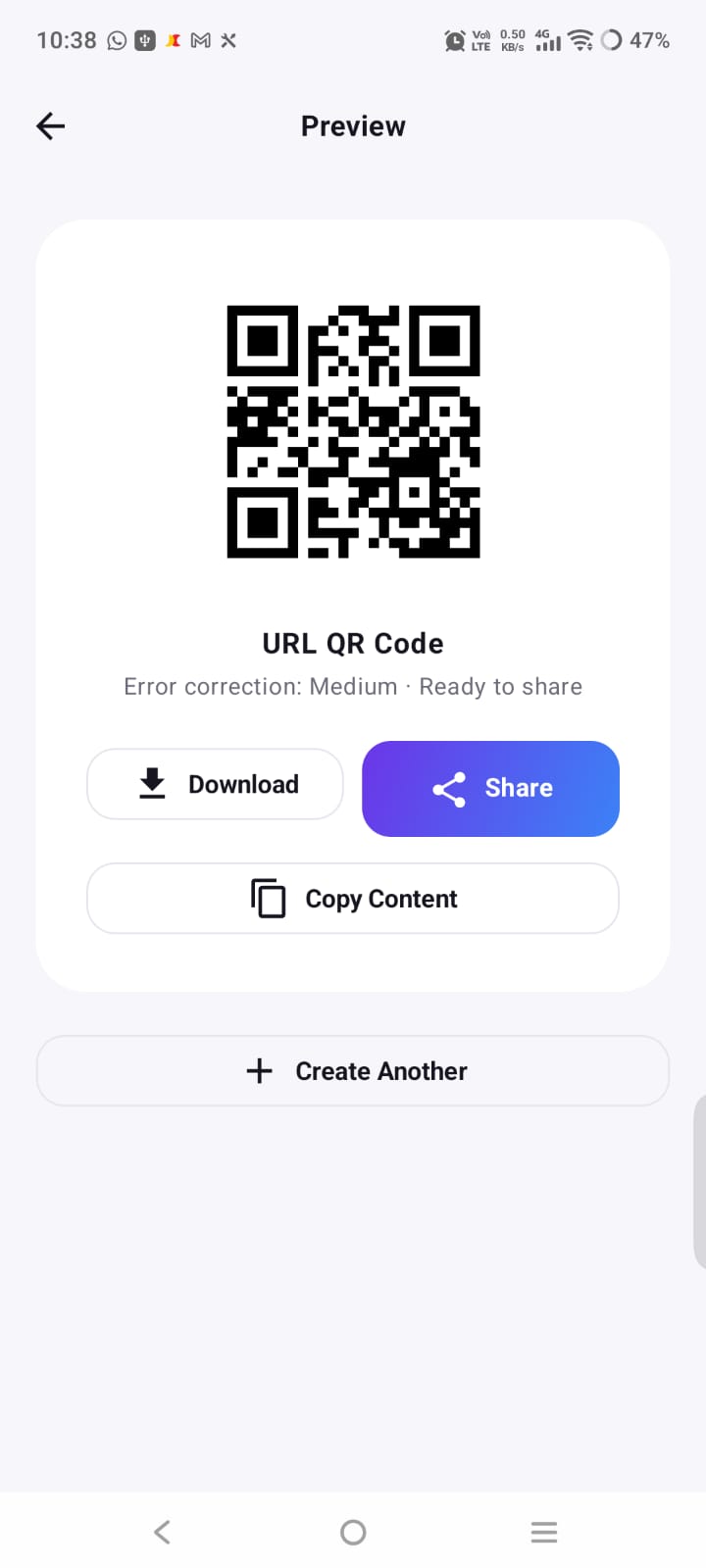
Copy, share, save, or export any scan result.
History sync
Paired devices can keep their scan history and favorites in sync over your local connection.
Three simple steps
Scan
Point your camera at a QR code or barcode.
Understand
Instantly view the decoded result and its type.
Share
Copy, save, share, or send it to your connected device.
Powerful scanning. Free on Android.
Get Panther Barcode Reader on Android and scan QR codes and barcodes without paying for the app. Everything is included — scanning, history, favorites, the QR generator, and device sharing.
- Free to download and use
- QR & barcode scanning
- Scan history & favorites
- QR code generator
- Connect & share with Windows
Bring barcode scanning to your PC
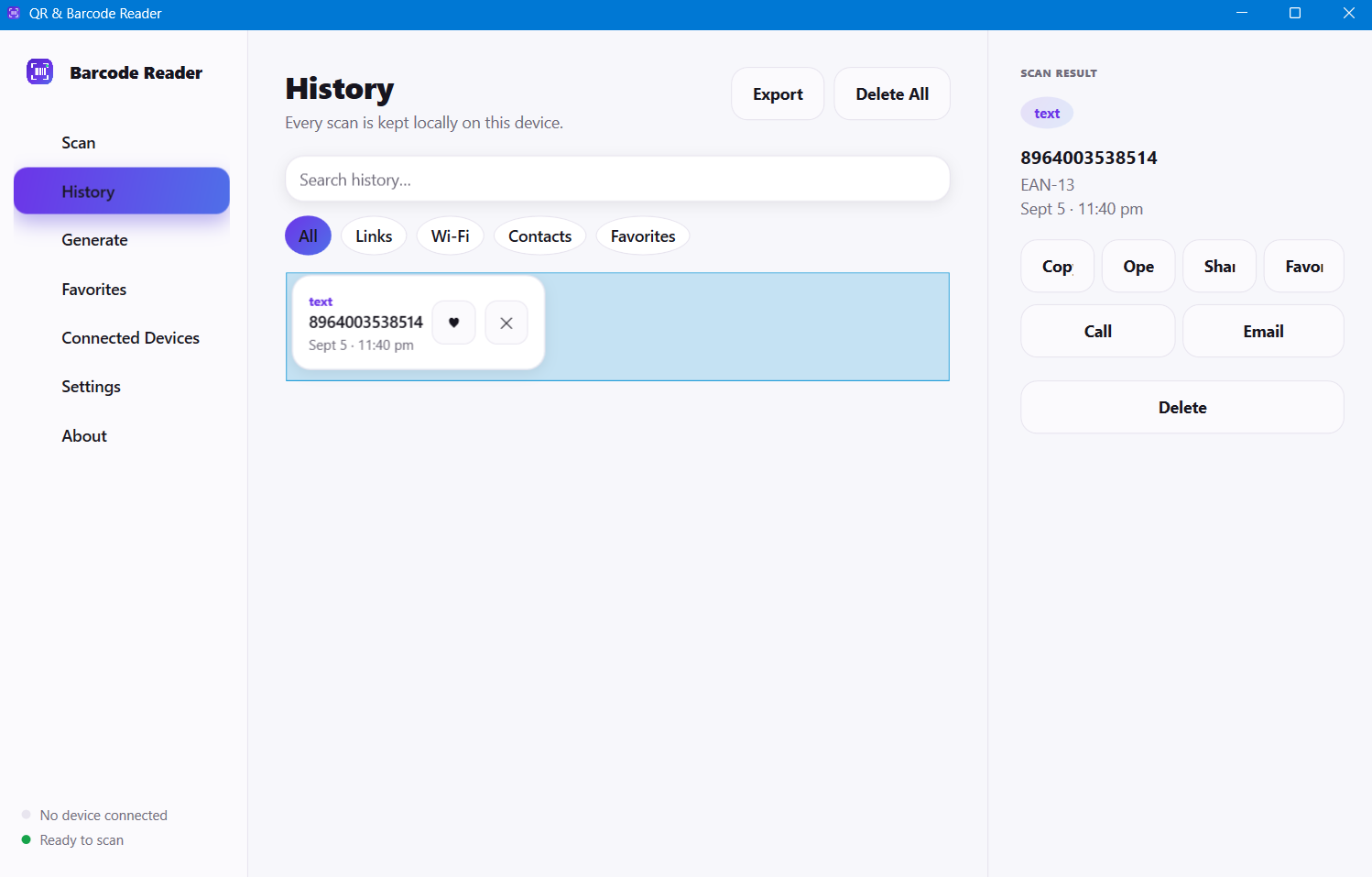
A desktop scanner for people who want a larger workspace, organized scan history, a QR generator, and a direct connection to their Android phone. Free to use — a one-time Personal licence removes the 100-most-recent-scans history limit.
- Free to use, no ads, no time limit
- Scan history, favorites & QR generation
- Android connectivity over Wi-Fi & Bluetooth
- Type scans straight into another app, like a hardware scanner
- One-time Personal licence for unlimited history — no subscription
Free on Android. Free to use on Windows.
Android
Free
Free to download and use
- QR & barcode scanning
- Scan history & favorites
- QR code generator
- Connect & share with Windows
Windows 10 & 11
Windows Personal
One-time payment — perpetual, no subscription
- The Windows app is free to use, plus:
- Unlimited scan history (free shows the 100 most recent)
- Use on up to 2 personal Windows devices
- Free bug fixes and updates for your version
Your scans. Your devices. Your control.
Panther Barcode Reader is built to keep your data with you. Scan history is stored locally on your device, and results move between devices only after you pair them.
- Scan history stored locally on your device
- Sharing happens only with paired, authorized devices
- No cloud account required for local device-to-device sharing
- You choose when a result is shared
- Trusted devices can be removed at any time
A look at the apps
Scanning, history, and QR generation across Android and Windows.
Common questions
Is Panther Barcode Reader free?
Can Android and Windows share scan results?
Do I need an account?
Does scanning work without internet?
Ready to scan smarter?
Download Panther Barcode Reader and turn your phone and PC into a connected scanning workspace.